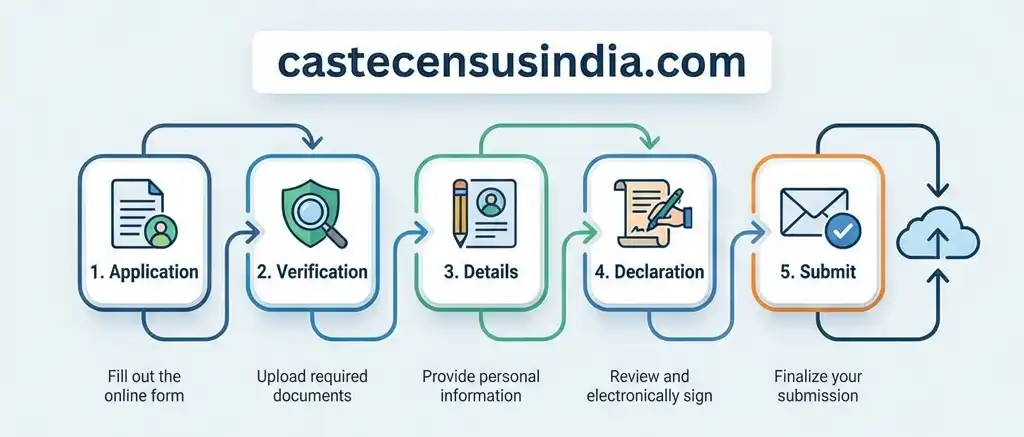
💡 Good News: For the first time ever, you can fill the Census yourself using a Mobile App!
You don't have to wait for an officer.
Registration Process (2 Ways)
You can choose any one of these two methods to register:
1
Method A: Self-Enumeration (Online)
This is the fastest way. Follow these steps:
- Download the official "Census 2026" App (Link coming soon).
- Login using your Mobile Number & OTP.
- Fill in your Family Head details first.
- Add all family members and their Caste/Sub-caste details.
- Submit and get a "Reference ID". Show this ID when the officer visits.
2
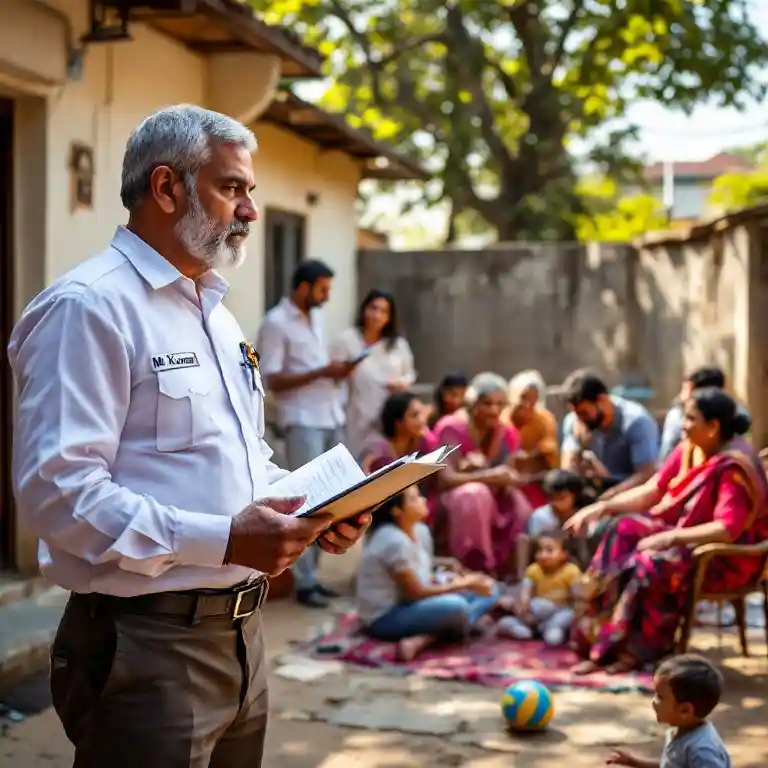
Method B: Offline (Enumerator Visit)
If you don't have a smartphone, don't worry!
- A government teacher (Enumerator) will visit your house.
- They will ask you questions and fill the data on their tablet.
- You just need to provide correct answers and show documents.
- They will scan your signature and submit the form.
Documents Required
Keep these documents ready to avoid last-minute hassle. See Full List & Details →
- Aadhaar Card (Must for all members)
- Voter ID Card (For adults)
- Mobile Number (Active number for OTP)
- Caste Certificate (Optional, but good to have for proof)
- Ration Card (For family relation proof)
Need Help?
If you face any issues during registration, you can contact the helpline.
Helpline: 1971 (Toll Free)
Email: help@censusindia.gov.in
Census 2026 App Interface